Transferring a project
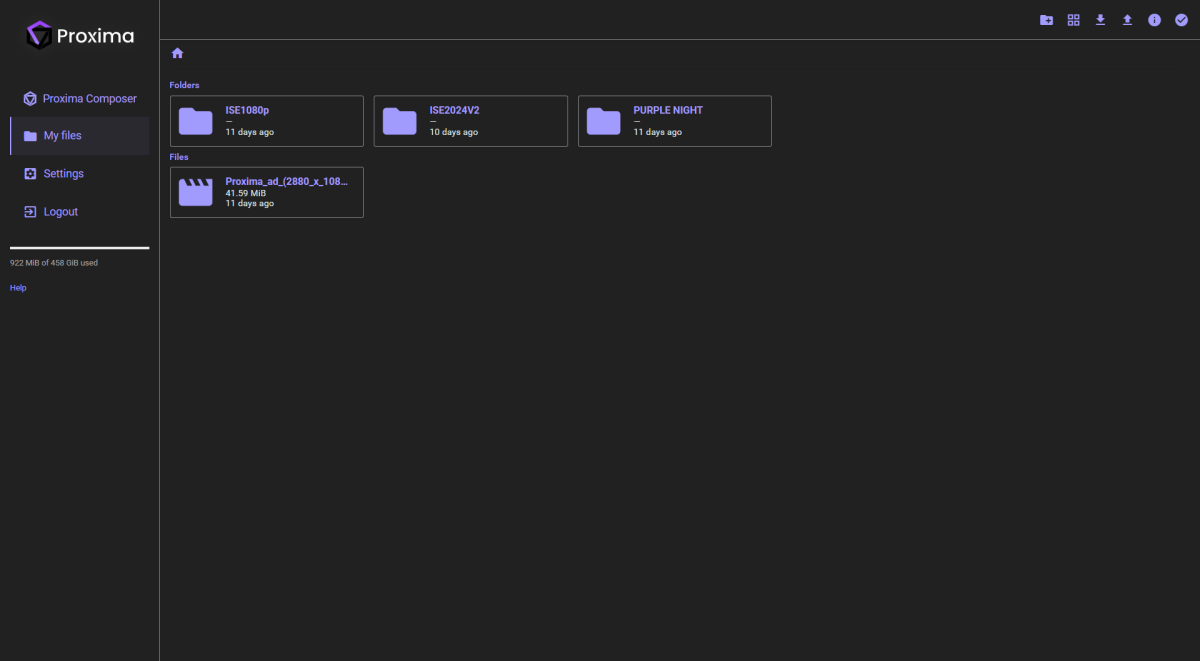
If all your external files have been collected in the project's MediaFiles folder, transferring a project to another server is simple: copy or move the entire project folder (containing the MediaFiles folder and the .pxm file). Use the **export and import features** in Proxima's web interface to complete the transfer.
Locating missing files
If a media file is missing when loading a project, you will see the following window:
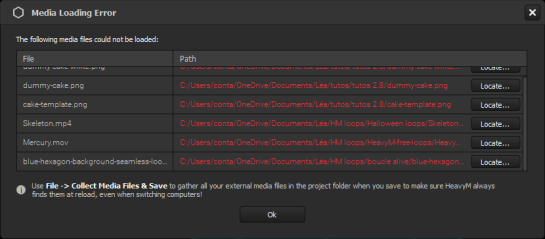
This window allows you to locate missing files by specifying their new paths. After locating them, use the Collect & Save option to ensure they are stored in the MediaFiles folder.
If you skip this step, you can still locate missing files later from their associated module in Proxima (e.g., the Sources panel for media, the Properties panel for shaders).
Even without the files, you can continue editing other parts of your project. Missing file information is preserved, so you can locate them in a later session.
Once a file is located, all its saved properties (attached players, parameters, control assignments, etc.) are restored.
Note
Missing files can be manually deleted from their associated module in the software.
Was this article helpful?
That’s Great!
Thank you for your feedback
Sorry! We couldn't be helpful
Thank you for your feedback
Feedback sent
We appreciate your effort and will try to fix the article