The Cursor tool displays a crosshair pointer on your output, allowing you to see its position without looking at your screen. This is particularly useful for drawing while focusing directly on the projection.
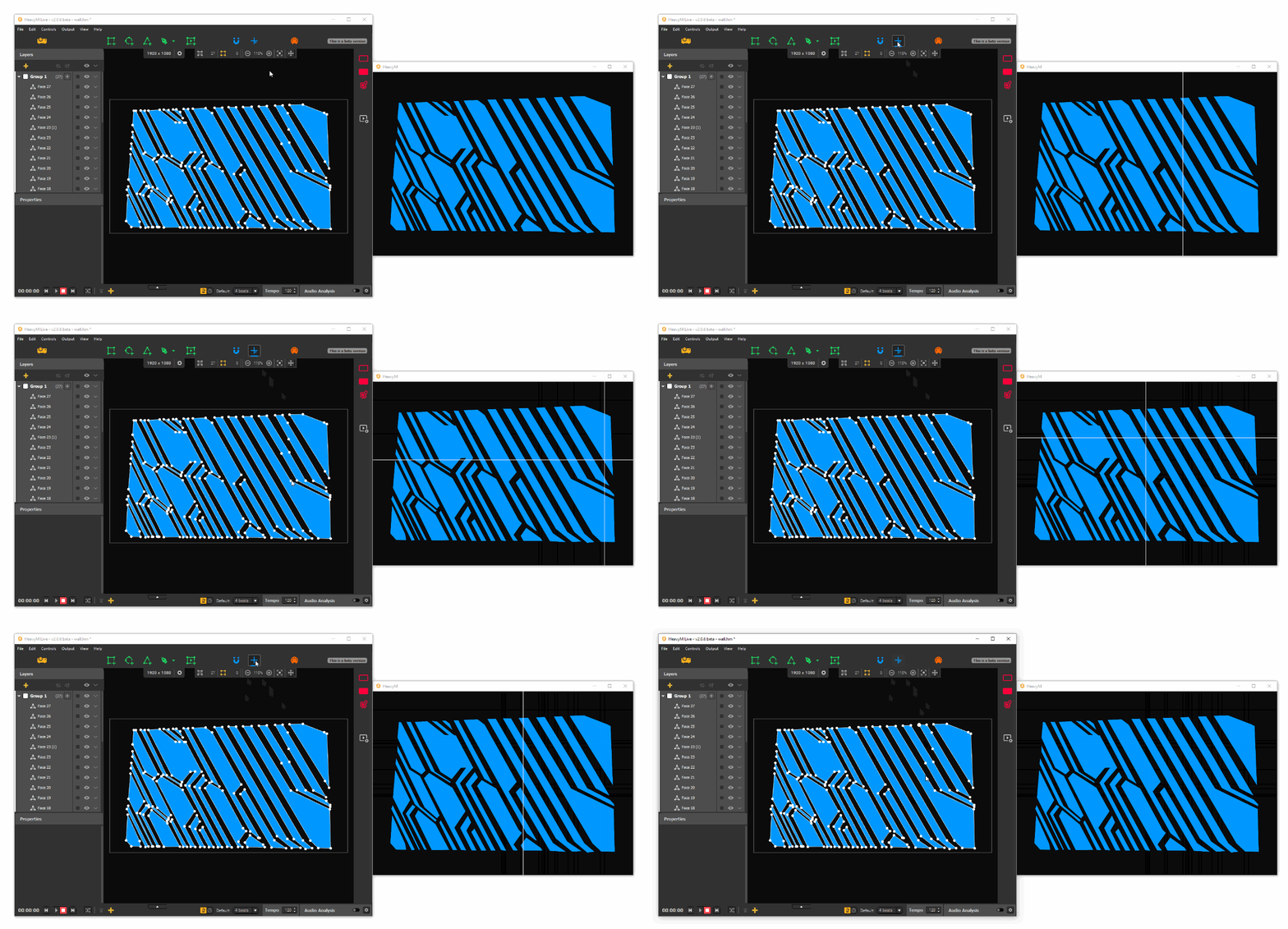
Displaying the Cursor
Toggle the Cursor tool ON or OFF using the crosshair icon in the toolbar: 
Customizing the Cursor
Adjust the cursor's appearance in Edit → Preferences... → Output → Cursor.
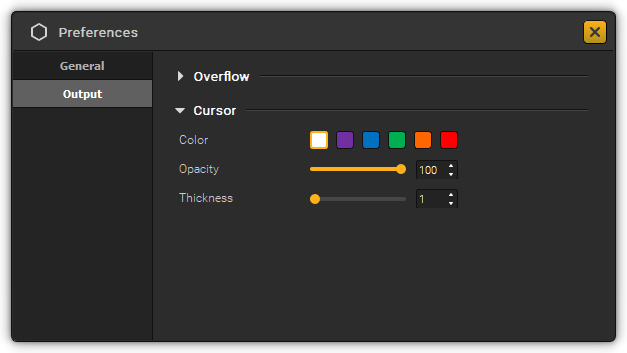
By default, the cursor is white. You can modify its color, thickness, and opacity.
Was this article helpful?
That’s Great!
Thank you for your feedback
Sorry! We couldn't be helpful
Thank you for your feedback
Feedback sent
We appreciate your effort and will try to fix the article