Overview
Waves System Show Control is a user-friendly software that integrates many powerful tools for creating events for Waves System players. The following sections describe the software environment graphically.
Main Window
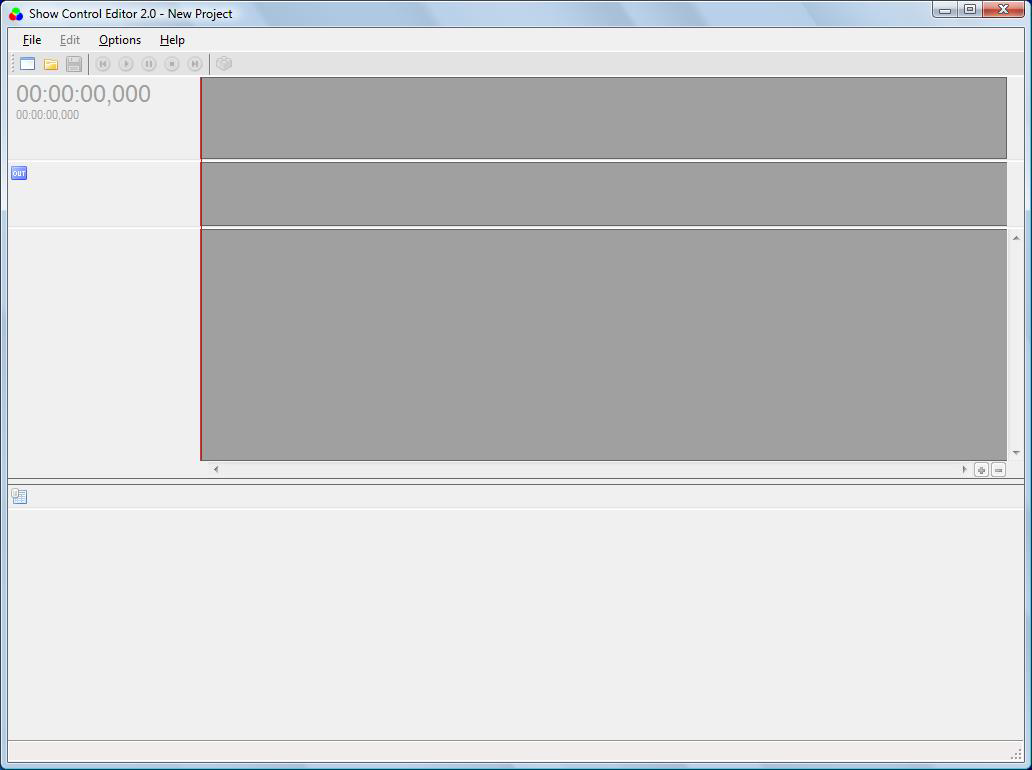
This is the window that appears when launching Waves System Show Control.
Video preview
For projects using a video file, the main interface includes a real-time video preview area.
Menu Bar and Toolbar
The toolbar provides quick access to the most frequently used functions.

Available functions:

- Create a new project
- Open a project
- Save a project
- Go to the beginning of the show
- Play the show
- Pause the show playback
- Stop the show playback
- Go to the end of the show
- Show Patch DMX device (DMX channel configuration)
Was this article helpful?
That’s Great!
Thank you for your feedback
Sorry! We couldn't be helpful
Thank you for your feedback
Feedback sent
We appreciate your effort and will try to fix the article