Once you have defined a broadcast schedule and a scenario, the project displays its size in MB.
This information is useful because the project will be downloaded to the selected storage device. Make sure the project size is smaller than the storage capacity.
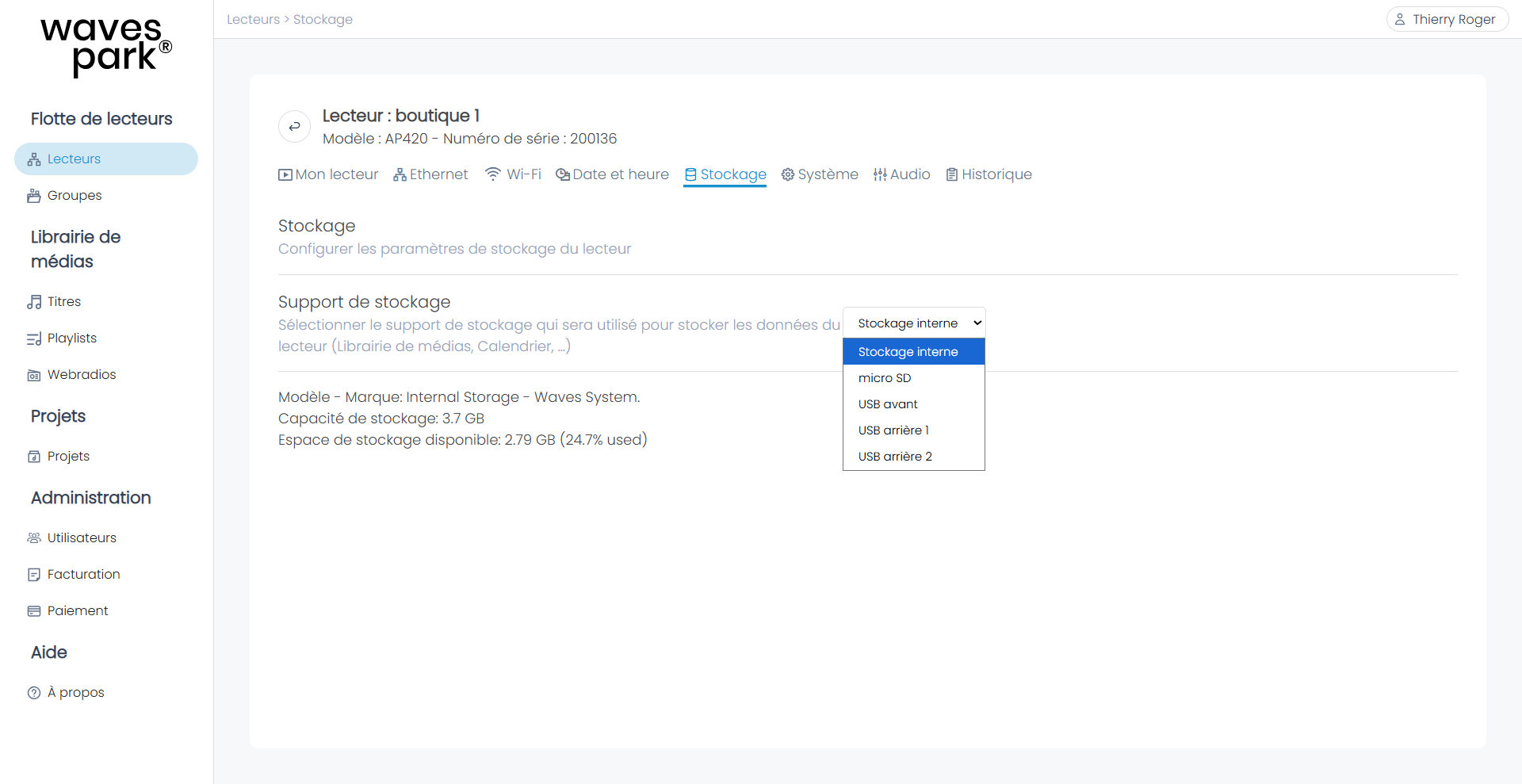
To view or change the storage device of a player, go to "Players" and click "Player Status" on the selected player's row, then go to the "Storage" tab.
You must now publish the project to the player(s).
In "Players", on a player's row, in the project column, click on the current project or the "Internal" field or "+". The information of the last published project appears.
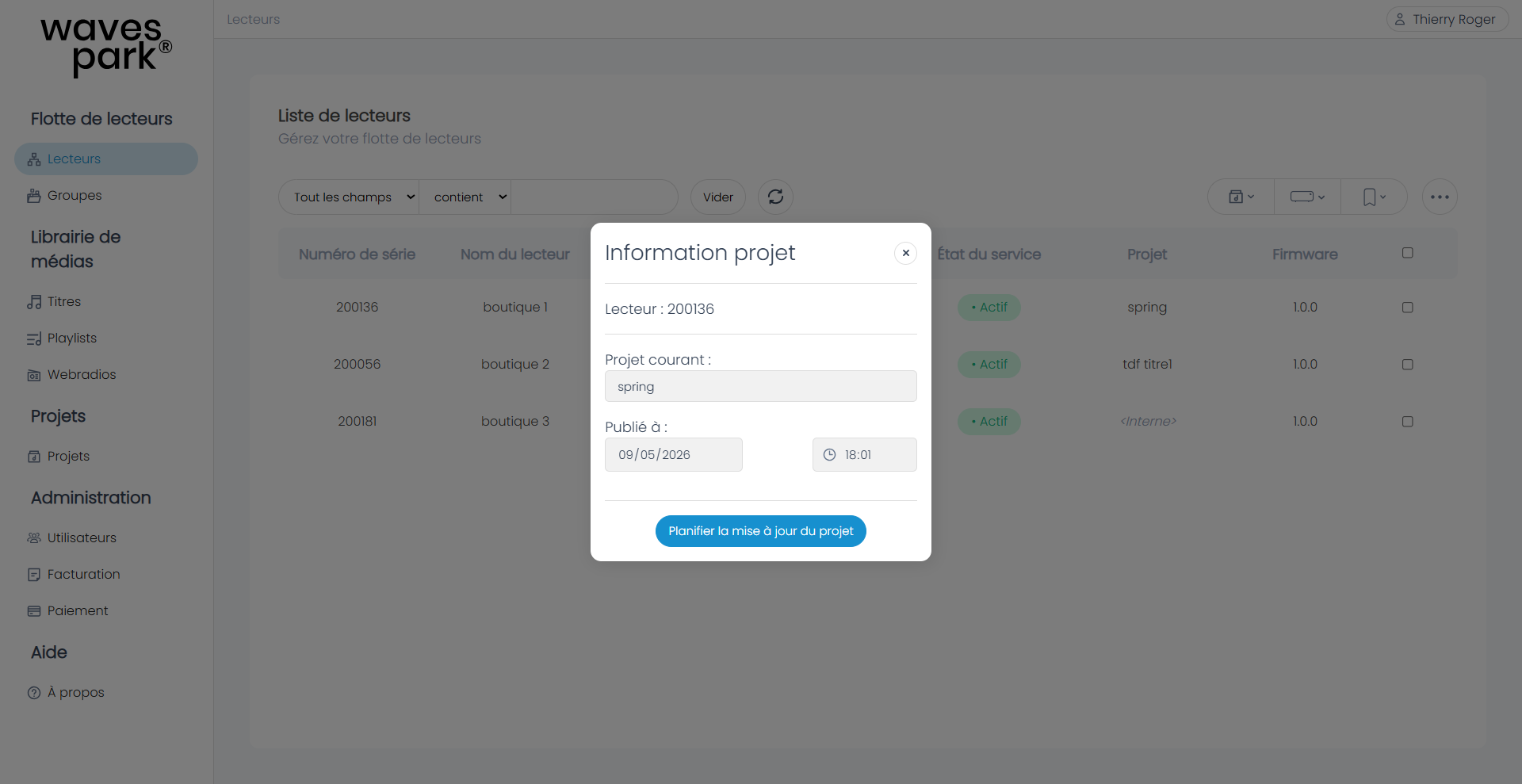
Click "Schedule Project Update".
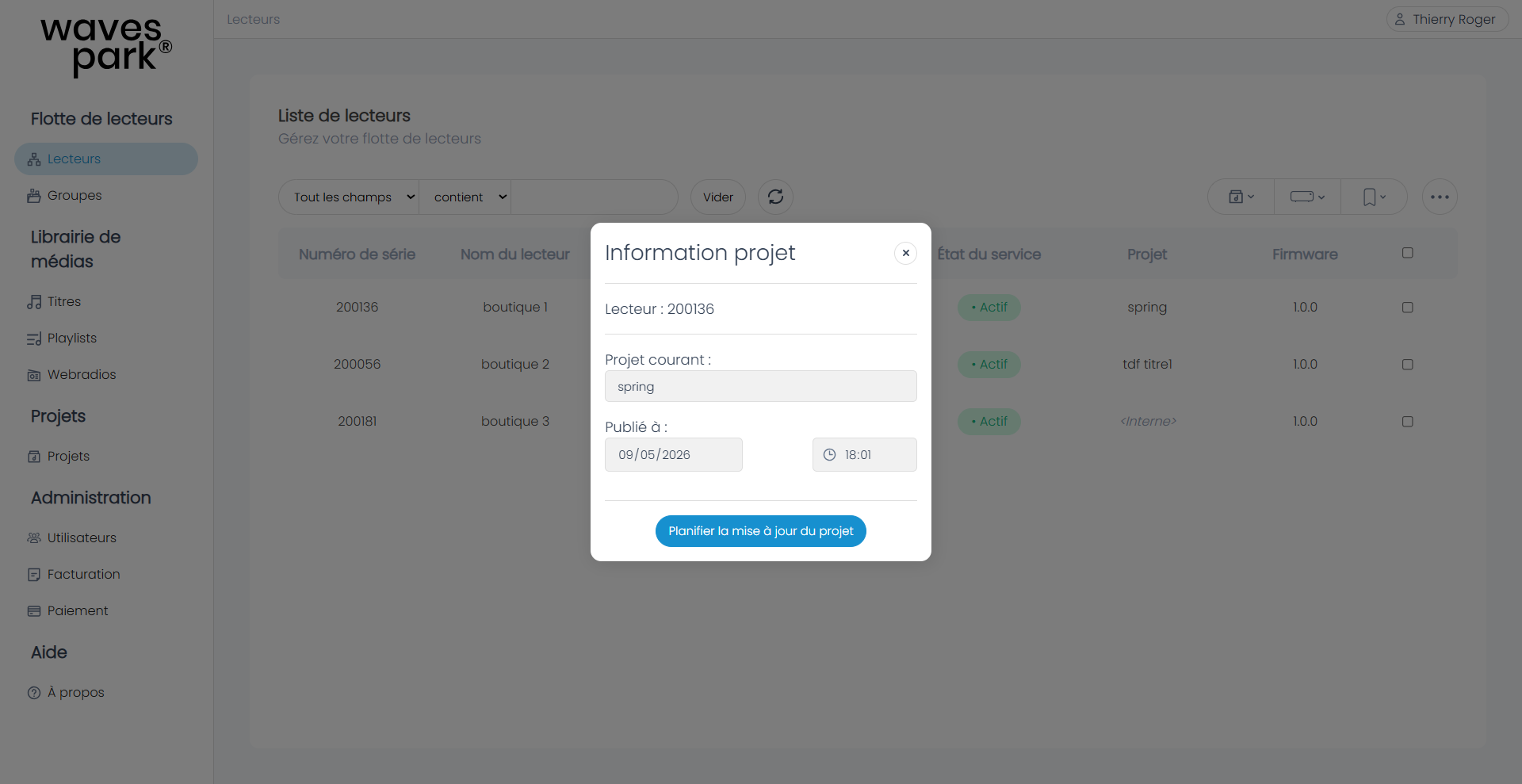
Then select the desired download day and time as well as the desired publication day and time. Finally, select the desired project.
Case of a Player Already Having a Project
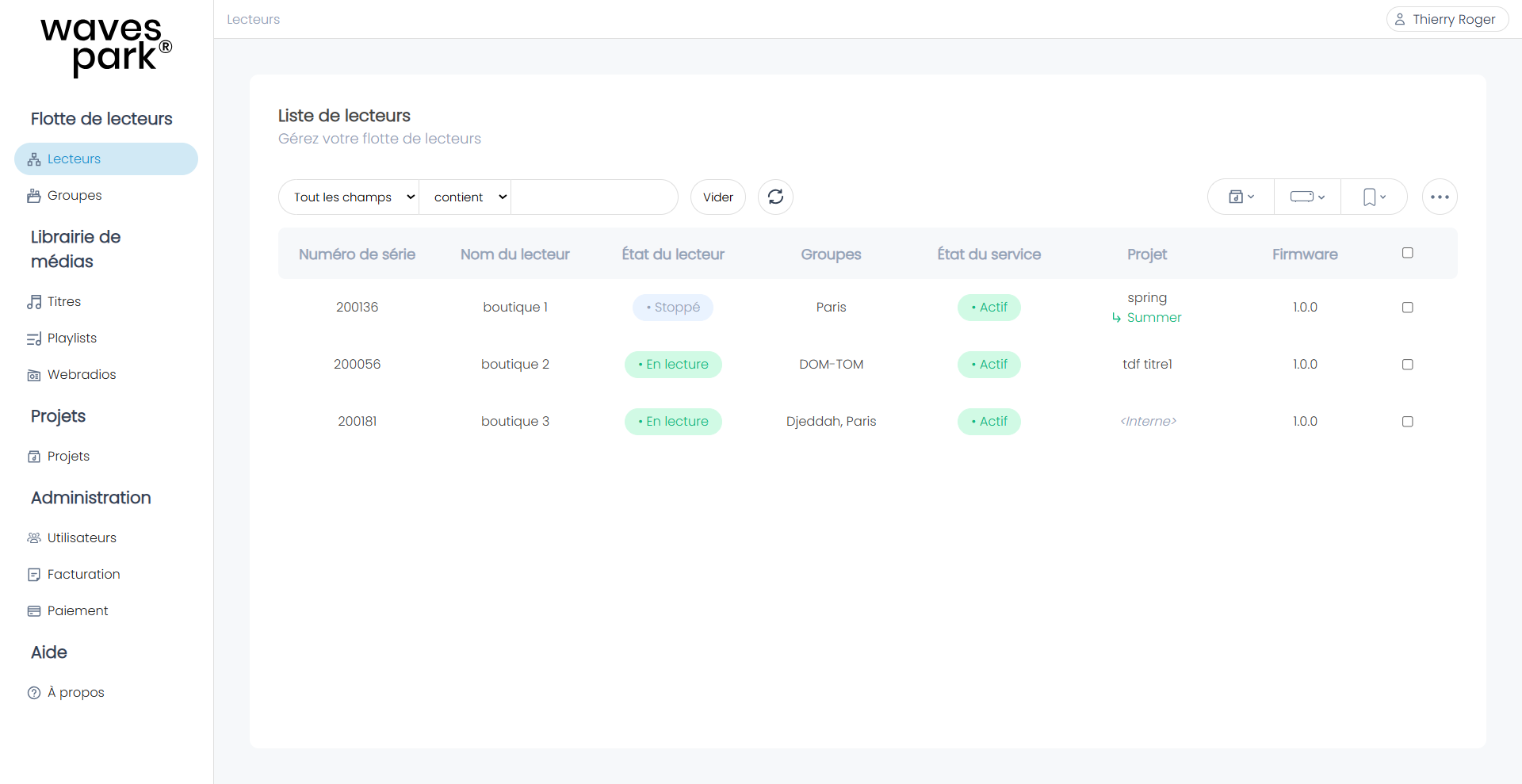
The upcoming project appears below the current project in green until the publication date and time.
Example: Suppose the player has 4 GB of memory and already has a 3 GB project. When the player downloads a new project, it will only download the new elements compared to the existing ones. If the new project brings 0.9 GB of new content, the player can download it. It will erase data that is no longer useful after publication. In the case of updates > 1 GB, it will refuse the update by default.
To allow project updates with limited memory, you can enable an option in Wavespark Audio. Go to "My Account > Organization Settings > Allow Project Updates Without Preloading".
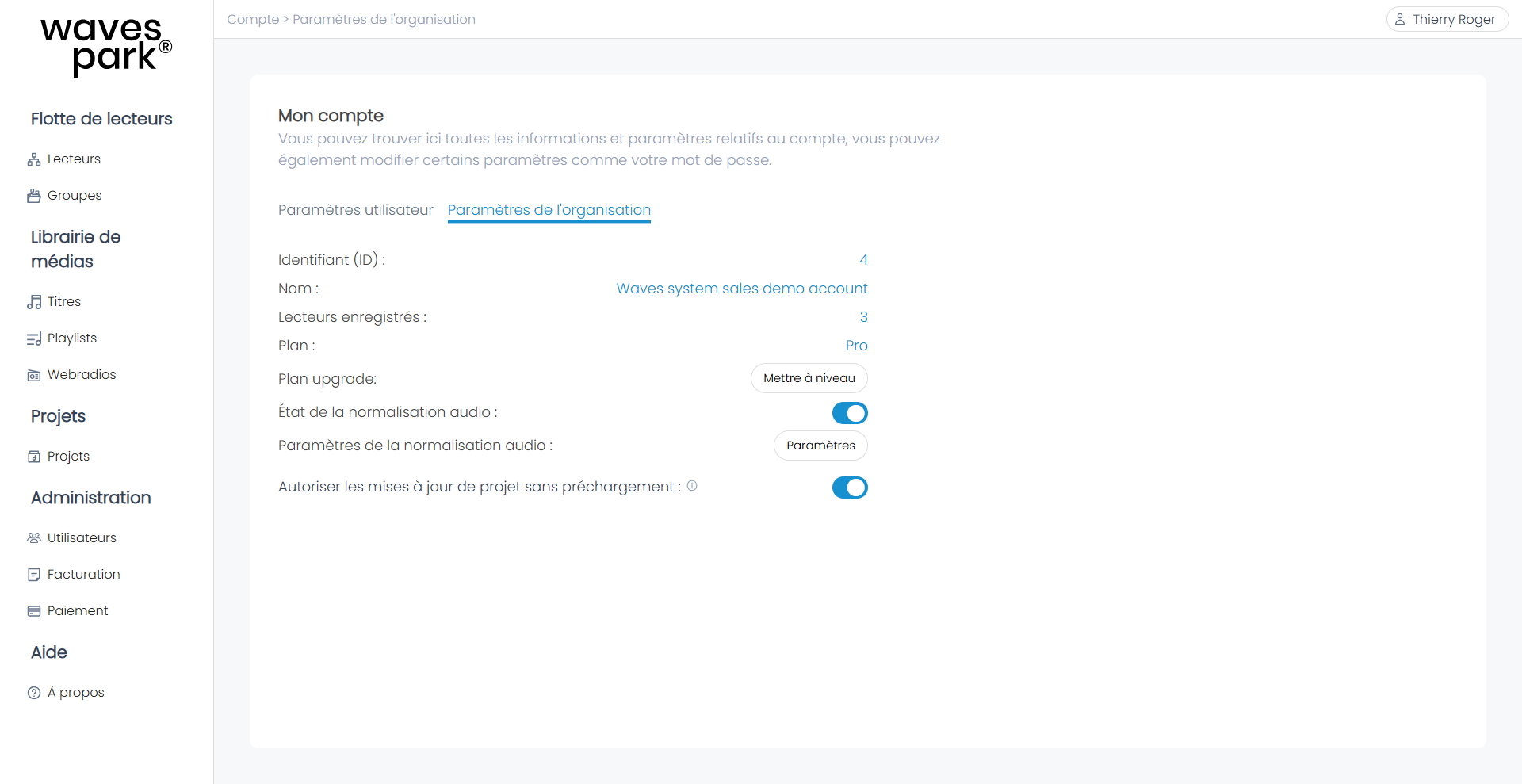
Once the option is enabled, the player will only apply the download at the publication date by first completely erasing the current project and thus making room to download the new project.
During this step, the player will not play any music.
Was this article helpful?
That’s Great!
Thank you for your feedback
Sorry! We couldn't be helpful
Thank you for your feedback
Feedback sent
We appreciate your effort and will try to fix the article