Before starting the player, prepare and insert the main storage device, called Main Media.
First startup
- Connect the power adapter. On the My Music Player, also press the power switch.
- During startup, the LCD screen remains blank for several tens of seconds.

- On the My Music Player only: when prompted to select the connector used by Main Media, turn the knob to select USB-INT, USB-EXT, SD-CARD or HDD-INT, then press the knob to confirm.
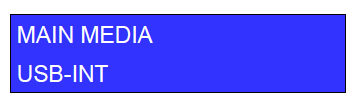
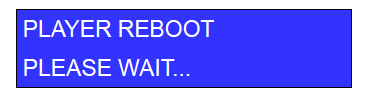
The player restarts.
- Once the player has started, it displays its name, serial number and installed firmware version.
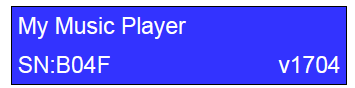
The player is ready to use.
If the player asks for Main Media again
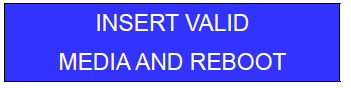
At startup, the player may ask you to redefine Main Media in the following situations:
- No storage device is connected to the player.
- Main Media has not been prepared according to the storage device preparation instructions.
- On the My Music Player only, the connector selected for Main Media does not match the connector in use.
My Music Player
When the player asks you to redefine the connector used by Main Media, use the knob to make a new selection.
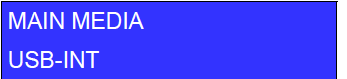
My Music Player LE
When the player asks you to insert Main Media, insert a storage device into the USB host port, then press the knob to confirm.
Was this article helpful?
That’s Great!
Thank you for your feedback
Sorry! We couldn't be helpful
Thank you for your feedback
Feedback sent
We appreciate your effort and will try to fix the article