TABLE DES MATIÈRES
AP420
To broadcast playlists or web radios, you need to go to the calendar and create a music program.
You can directly click in the calendar with a double left-click or use the +Add a Program button.
Use this menu to schedule the background music that will be broadcast.
- Name your program.
- Select the start date of the program.
- Select the duration of the program.
The duration is limited to 23h59. We recommend limiting the duration to one day. - Select the content.
You can select multiple tracks or multiple playlists accompanied by tracks. You can also select a web radio. - Select the playback option
By default, playback is sequential. You can select random playback.
Playback is looped by default.
Enable playback history if you want to memorize the tracks played by this program.
This function is useful when the program resumes after a stop. The history is cleared with each modification of the program. - Configure the output relay state:
- Open: The relay is open during program execution.
- Closed: The relay is closed during program execution.
- Ignored: Relay control is delegated to simultaneously running programs or left open if none are active.
- When program execution ends, the relay state is defined by other running programs or left open if none are active.
Repeating the Music Program in the Calendar
Once the music program is created, you can reproduce it in your calendar.
Use the repeat functions to organize your broadcast. You can select weekly, monthly, or yearly repetitions with an end. You can also add or exclude additional dates.
Edit a Program
Click on your program to open the context window and select « Edit », « Delete », or « Close the context window ».
Handling Program Overlaps
A music program scheduled to start before the end of another program takes priority and interrupts the ongoing program.
About Wavespark Audio
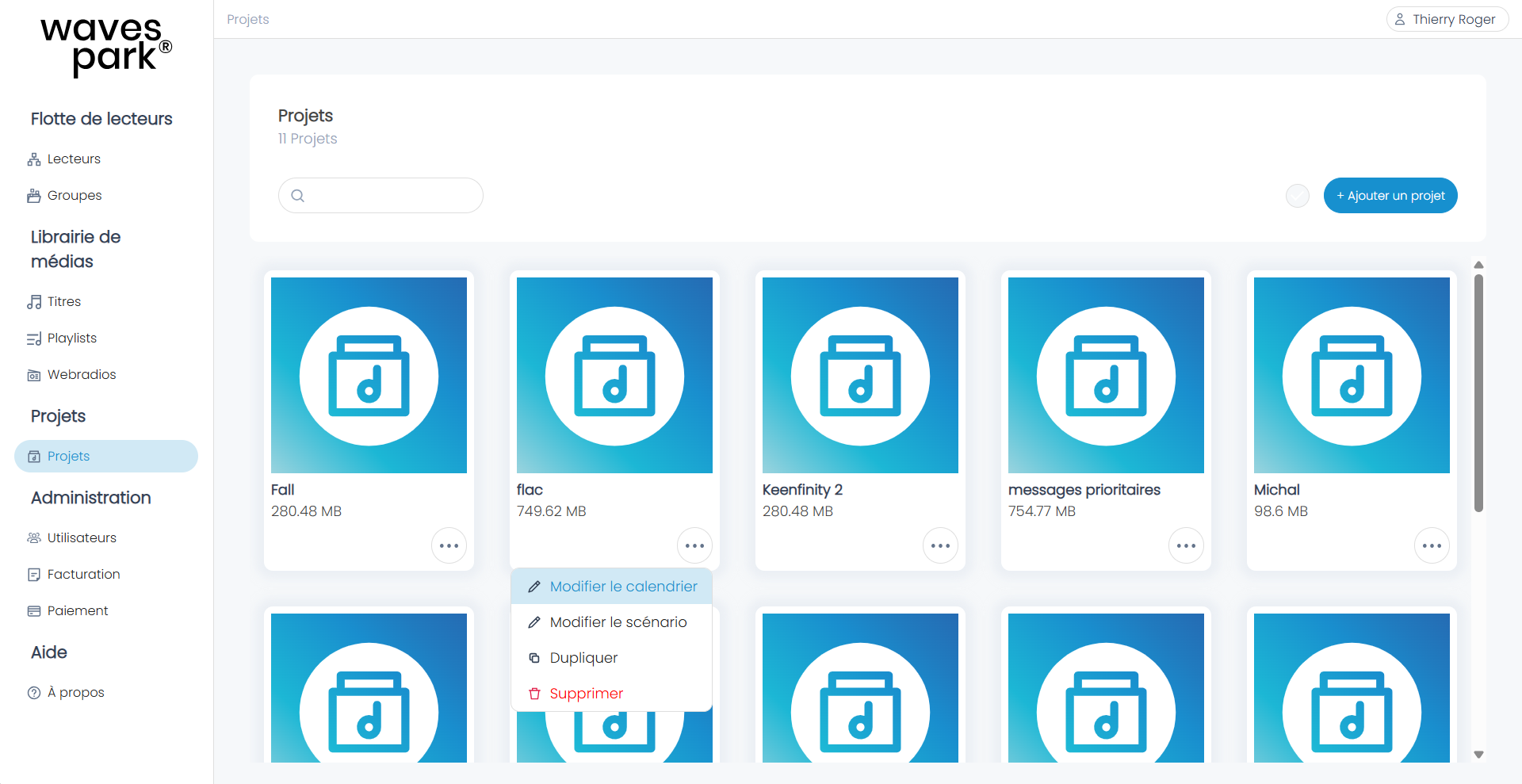
Go to the Projects menu, create a new project, and then edit the calendar.
The following steps are identical to those on the AP420.
Was this article helpful?
That’s Great!
Thank you for your feedback
Sorry! We couldn't be helpful
Thank you for your feedback
Feedback sent
We appreciate your effort and will try to fix the article