The EVP380 is an advanced show controller designed to synchronize audio, 4K video, 1 DMX512 universe, and up to 64 Art-Net universes. It meets the current needs of multisensory management, combining image, sound, lighting, and motion.
The Show Control Editor software allows you to create and visualize DMX events on a PC screen in sync with audio and video.
A lighting console or computer with lighting software can be connected to the controller's DMX input or via the Art-Net network so that the EVP380 can record and playback shows. Interactive, this controller responds to commands received on its DMX input, input contacts, through its scheduling programming, via RS-232 serial link, or even via HTTP requests.
With its built-in 4GB memory and audio amplifier, its implementation will be quick with minimal additional equipment.
Player Description
Front Panel of the EVP380 Show Controller

- DMX Input
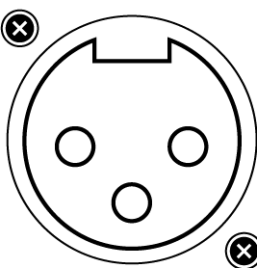
DMX Output
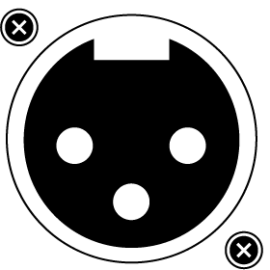
Infrared Sensor for Remote Control

Volume Button

Adjust the audio volume using the button.
Activity LED
| Interaction | Function |
| Green | Solid: Ready, playback stopped Blinking: Ready, playback in progress |
| Red | Standby |
Rear Panel of the EVP380 Show Controller

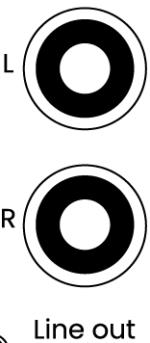
Analog Audio Output for Connection to an Amplifier
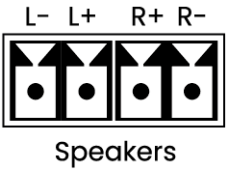
Amplified Outputs for Direct Connection to Speakers
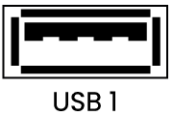
USB Port 1 for Connection to Storage or Pointing Device
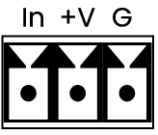
Input Contact Coupled with 12V Power Supply
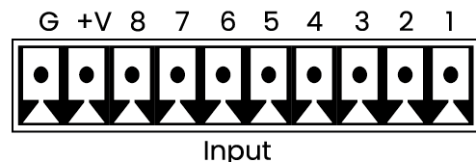
8 Input Contacts
HDMI Audio/Video Output

Micro SD
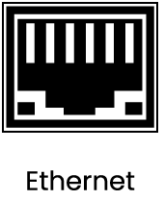
Ethernet Connector 10/100 Mbit/s
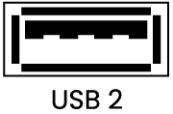
USB Port 2
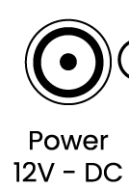
Power Supply
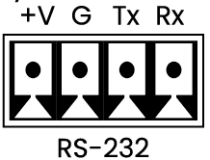
RS-232 Serial Link
8 MOSFET Outputs
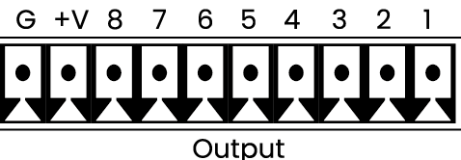
5V Power Output
Input Contacts
The controller has 8 distinct input contacts. Input 1 is duplicated. Each input allows direct connection of a push button or a sensor from the Waves System range. An input contact consists of:
- In: Trigger input
- +V: 12V power output to power the external device
- G: Ground
Controllers with 8 inputs can be supplemented with one or two extension cards (Ext15In). Each card converts 4 inputs into 15 inputs using combinatorial logic.
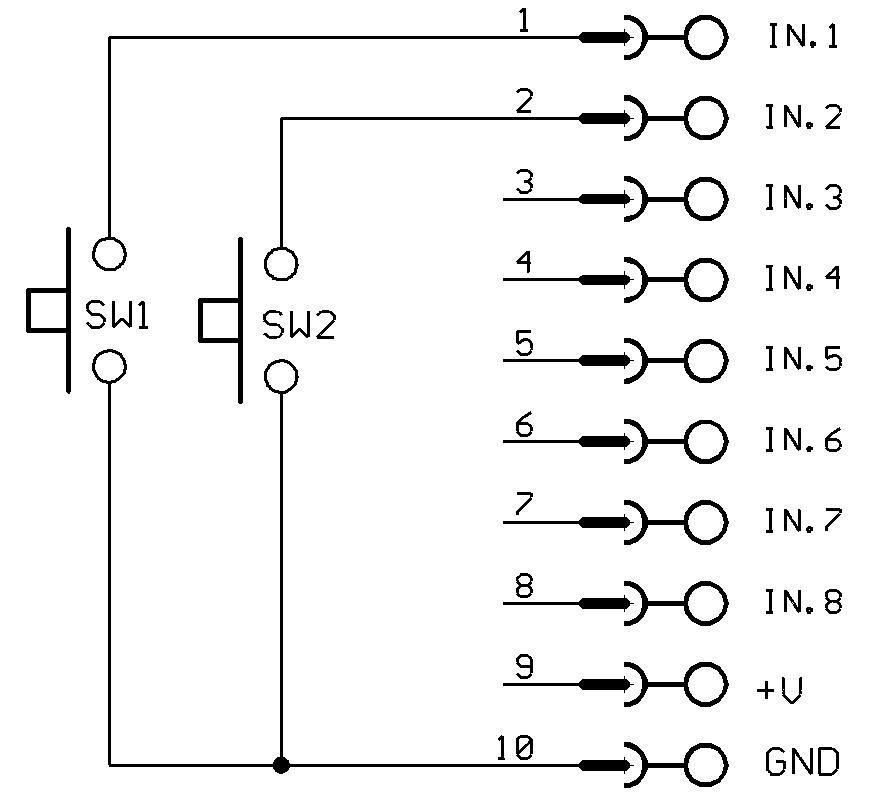
Triggering folder 001 via push button SW1. Triggering folder 002 via push button SW2.
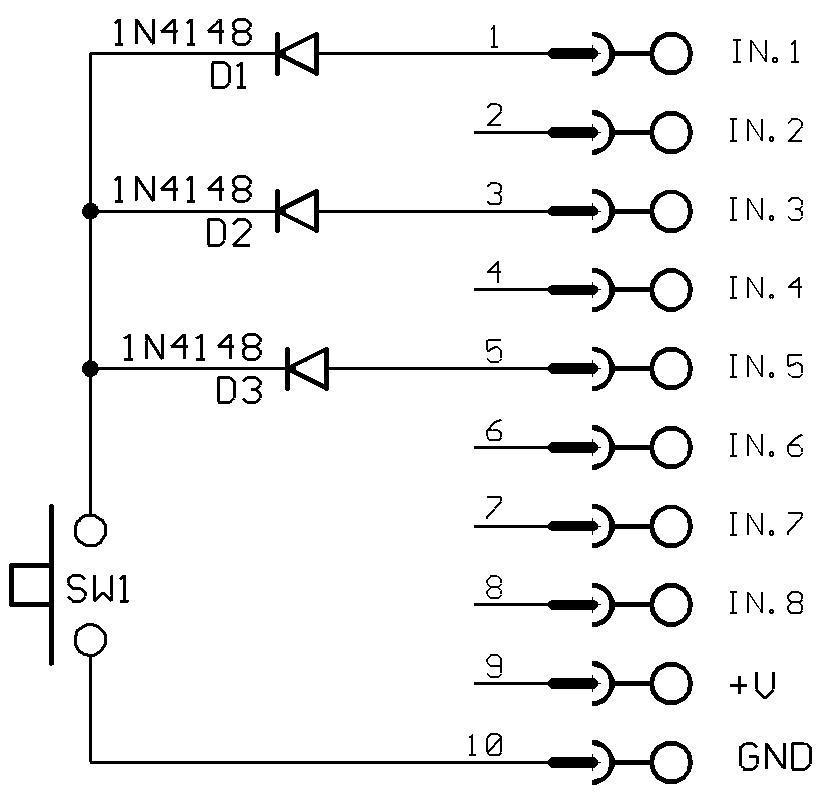
Example of input combination to launch folder 021.
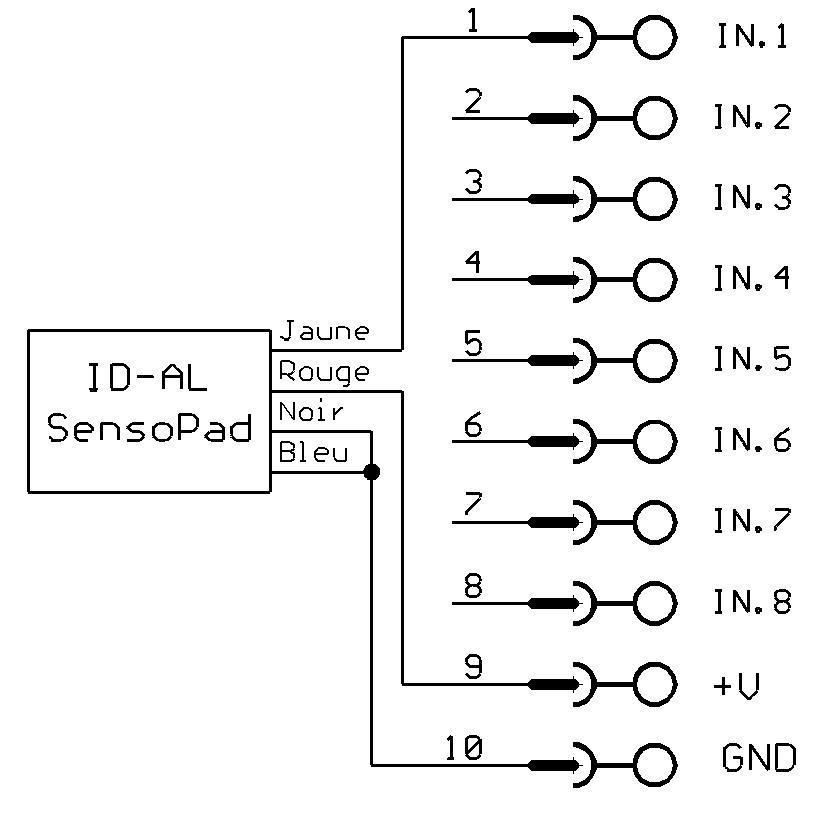
Example of triggering via a SensoPad powered by the controller to launch folder 001.
Note: The +V is a report of the input power supply. With a 12V power supply, the output voltage will also be 12V. The current provided cannot exceed 500mA.
Output Contacts
The EVP380 controller is equipped with output contacts specifically designed to control various external devices. Thanks to this feature, it is possible to turn on or control equipment such as lamps, relays, or motors, according to the specific needs of your installation.
The triggering of output contacts is done through options defined directly in the folder names associated with the controller. These output contacts are implemented using MOSFET electronic switches, a reliable and efficient technology for this type of application (for more details, refer to the diagram provided below).
Each output of the EVP380 controller can provide a maximum power of 20V / 500mA. However, it is important to note that the total power available for all outputs is limited to 2A. This configuration means that the outputs are not suitable for directly switching devices requiring high power, but rather for low-consumption equipment, such as LEDs or small relays.
If you wish to control devices requiring higher power, it is essential to use an intermediate interface between the controller outputs and the device to be controlled. For example, you can opt for an external relay or a dedicated switching box, which will manage the required power while ensuring safe and effective control.
Was this article helpful?
That’s Great!
Thank you for your feedback
Sorry! We couldn't be helpful
Thank you for your feedback
Feedback sent
We appreciate your effort and will try to fix the article