On Wavespark only
The project currently being played in a player appears in the Players menu, in the project column. If an orange chain is associated with the project, this means that the project has been modified in Wavespark but the player is running an earlier version of the project.
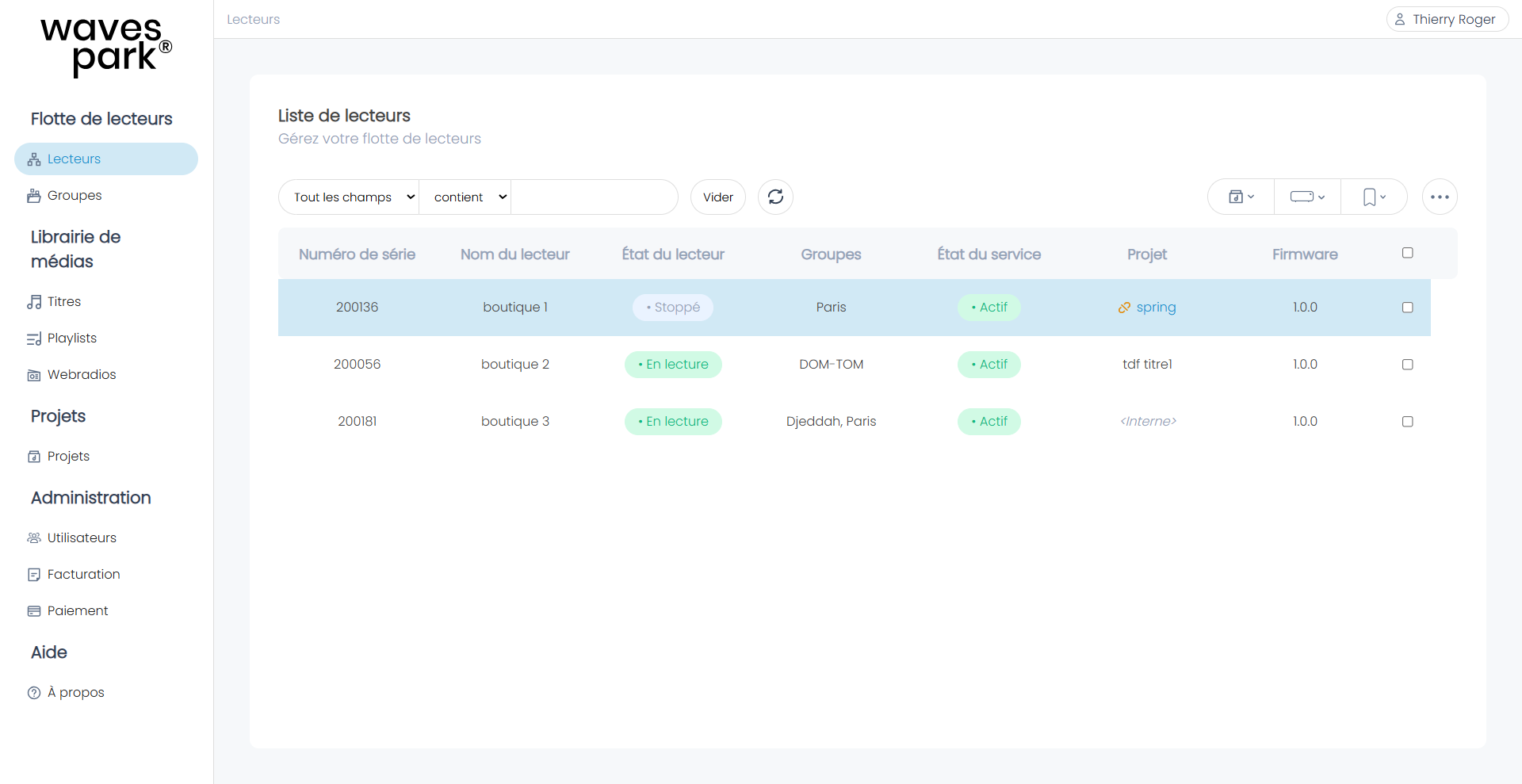
To update the viewer with the latest version of the project, click on the project and republish it in the viewer.
Was this article helpful?
That’s Great!
Thank you for your feedback
Sorry! We couldn't be helpful
Thank you for your feedback
Feedback sent
We appreciate your effort and will try to fix the article