TABLE OF CONTENTS
On AP420
The AP420 player can stream webradios. To do this, you must first index the webradio in the player.
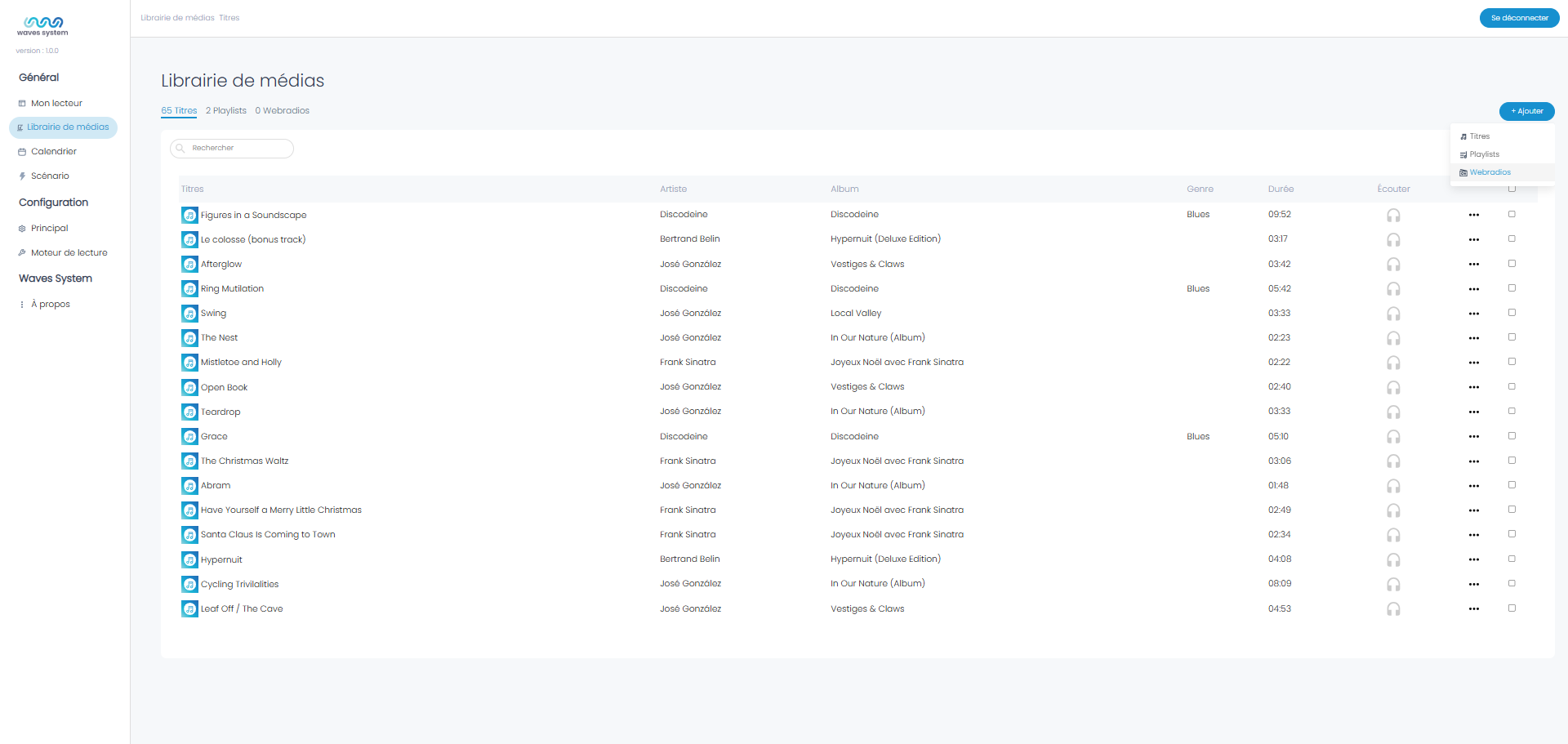
Go to "+ Add" > Webradios.
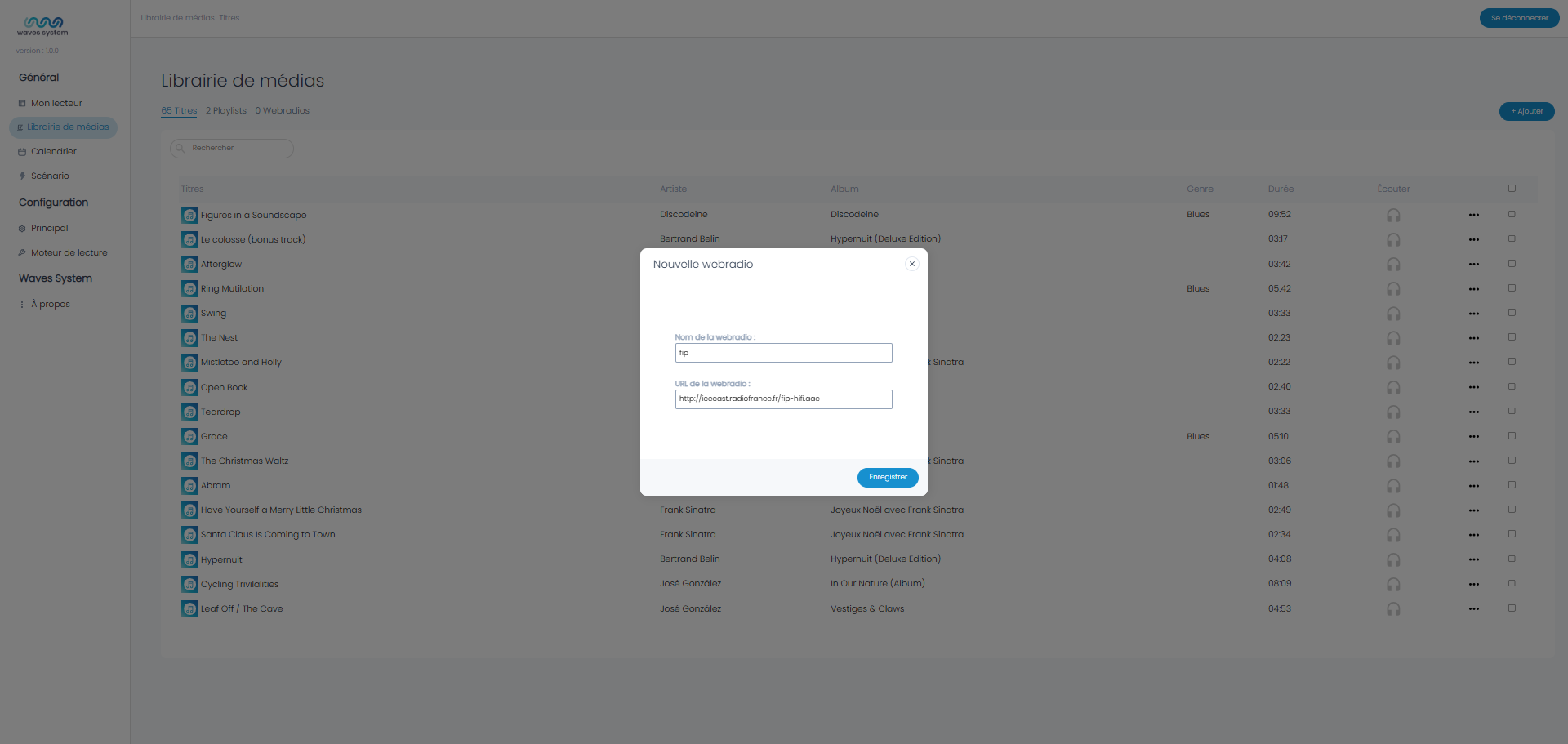
Enter the name of the webradio and its URL.
Tip: Several webradio directories allow you to quickly find a valid URL. For example: https://fluxradios.blogspot.com/
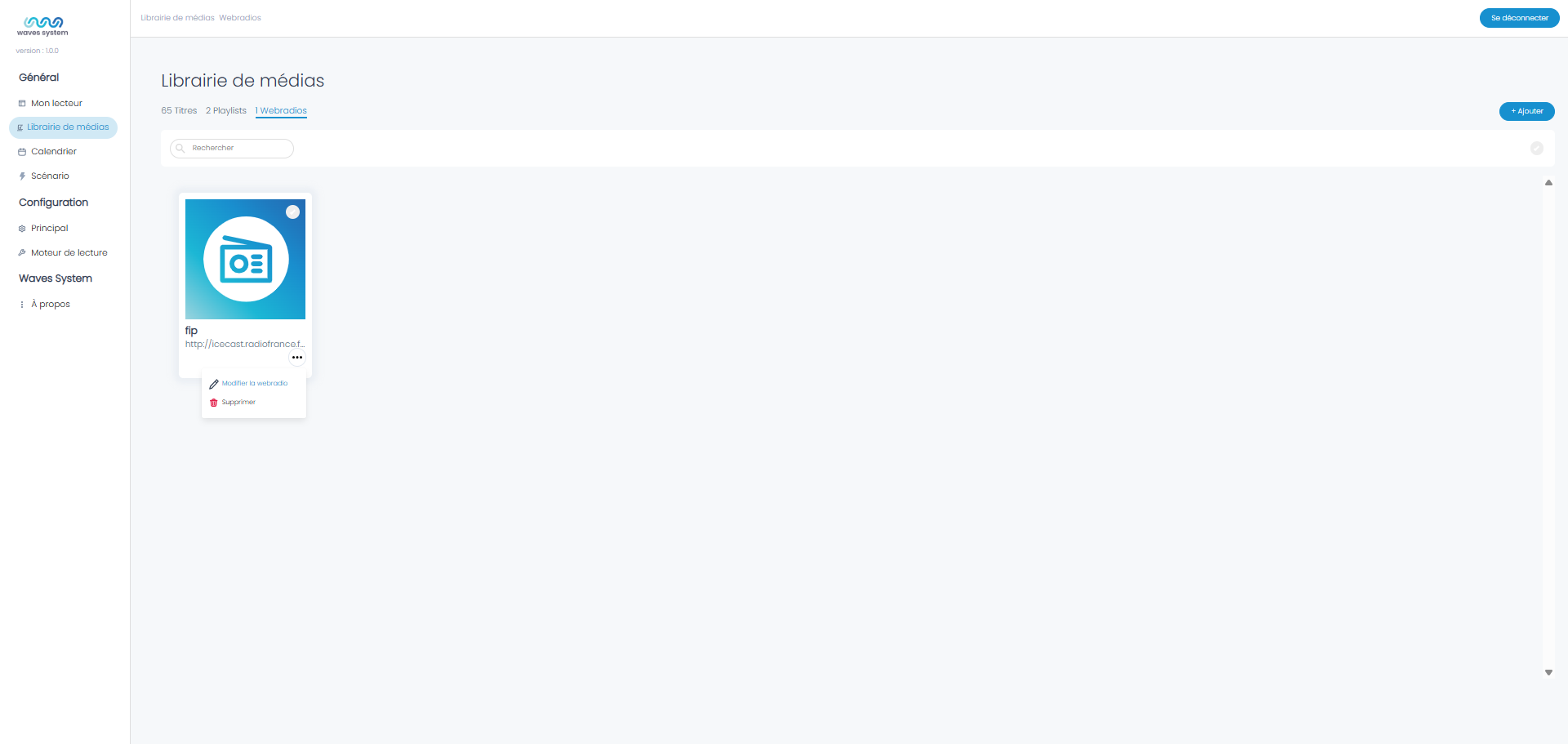
You can then edit this webradio.
The player scans the webradio stream using Continuum technology. In case of insufficient bandwidth or interruption, the player can automatically switch to a fallback content such as a Playlist. You can select it here after creating it in the Playlist menu.
You can also test the stream in your browser and add a comment. Don't forget to save to record the changes.
On Wavespark Audio
Go to the Webradios menu located in the left section. Follow the same steps as for a player.
Was this article helpful?
That’s Great!
Thank you for your feedback
Sorry! We couldn't be helpful
Thank you for your feedback
Feedback sent
We appreciate your effort and will try to fix the article