On AP420
Once the titles are uploaded, you can create a playlist via "+ Add" > Playlist.
Name the playlist, then edit it by clicking the three dots.
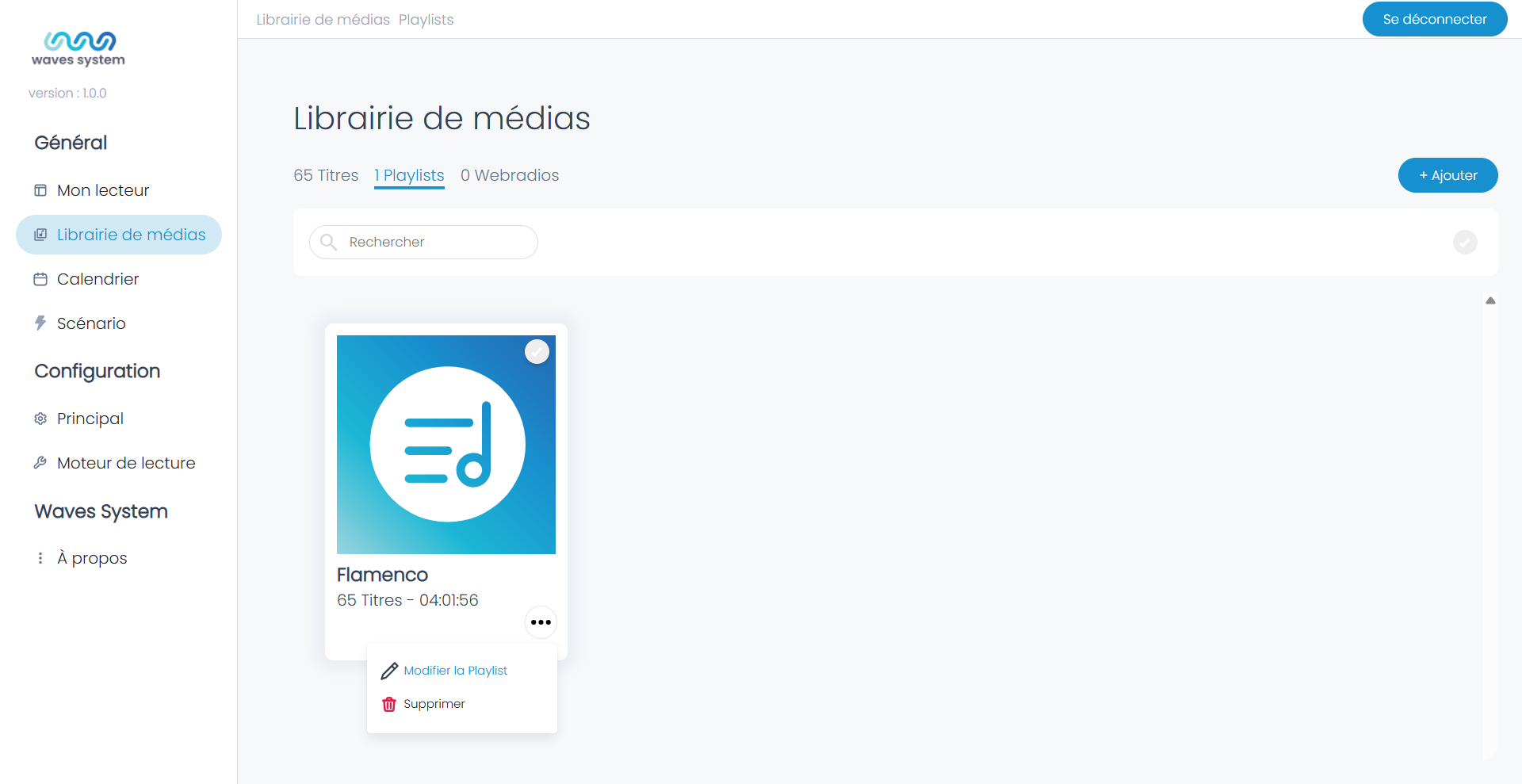
On Wavespark Audio
- Click on Playlists then "+ Add a Playlist".
- Name the playlist. A new tile is created. You can use the search bar to find it.
- To edit the playlist, click the three buttons and select "Edit Playlist".
- To add titles, click "+ Add Titles". You can then choose to add titles from the Wavespark media library "Titles" or add "From My Computer".
- If needed, modify the order of the playlist titles by dragging and dropping.
Was this article helpful?
That’s Great!
Thank you for your feedback
Sorry! We couldn't be helpful
Thank you for your feedback
Feedback sent
We appreciate your effort and will try to fix the article