The AP420 is the most advanced audio player designed by Waves System. This player can broadcast musical tracks, playlists, web radios, and messages. Media can be stored on a USB drive, a micro SD/SDHC/SDXC card, or the internal 4 GB flash memory. Users can easily import their media into the internal library and schedule multiple audio layers in a calendar. The AP420 player is ideal for public address installations, background music in shops, airports, and theme parks.
Player Description
Front Panel of the AP420 Player
Red LED (Player Activity): This LED indicates the player's activity. It flashes rapidly during playback, slowly during the boot phase, and remains solid red when idle.
Orange LED (Network Activity): This LED indicates network activity. It flashes when there is network traffic and remains off otherwise.
Green LED (Network Link): This LED indicates the presence of a network connection. It is lit when the player is connected to the network and off otherwise.
Rear Panel of the AP420 Player
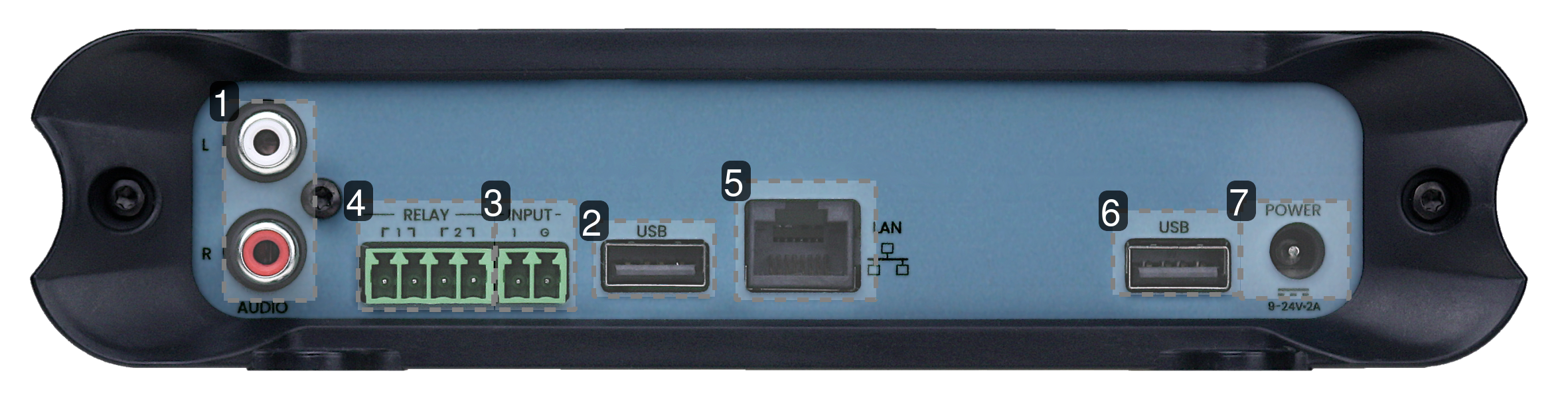
1 - Analog Audio Output
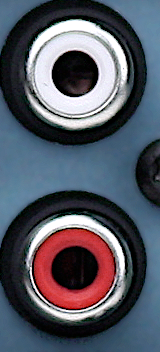 Connect an amplifier to this output.
2 - Rear USB Port 1
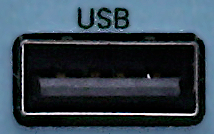 Connect your USB storage device to expand the player's memory.
3 - Input Contact
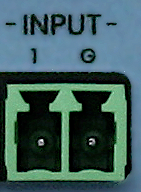 Connect a push button to generate events detected by the player.
4 - Output Relay
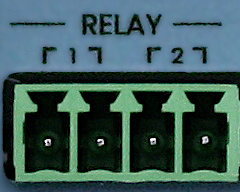 Connect GPI-controlled equipment.
5 - Ethernet Port (10/100 Mbit/s)
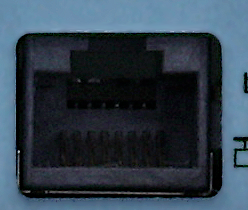 Connect your Ethernet cable to connect the player to your local network.
6 - Rear USB Port 2
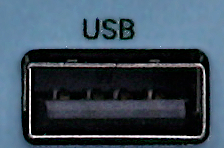 Connect a second USB storage device to expand the player's memory.
7 - Power Supply
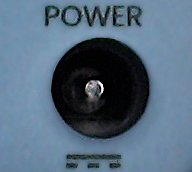 Connect the power supply provided with the player.
Input Contacts
The player has an input contact. The current firmware does not yet support this input.
Web Interface
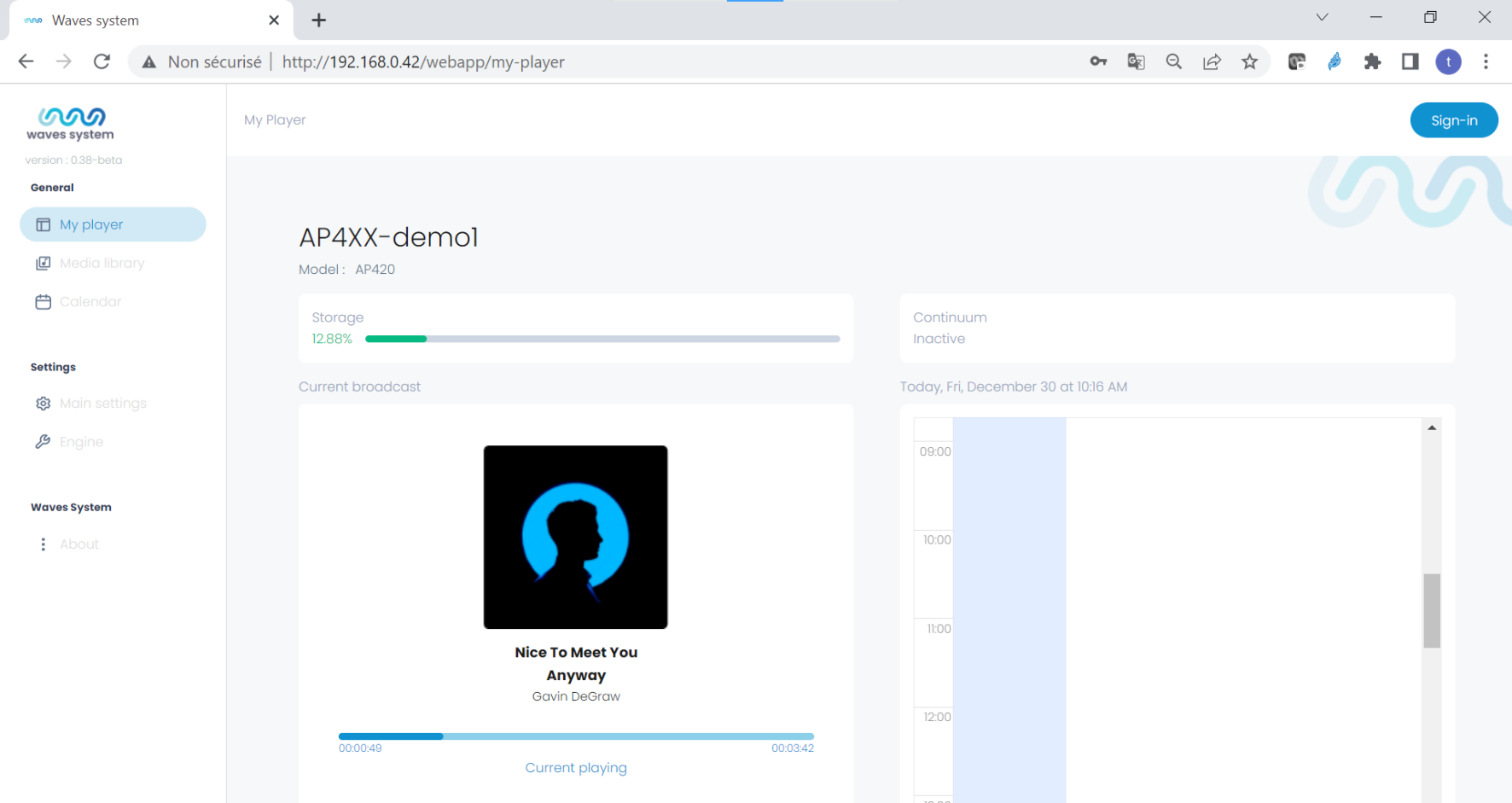
When you connect to the player via a web browser, the web interface appears and displays the following key information:
- Currently playing content
- Calendar preview for the next 3 hours
- Used storage space
- Backup stream status (the continuum can be inactive, backup broadcasting, or online broadcasting)
To access all the player's features, you must log in via the button located at the top right.
Was this article helpful?
That’s Great!
Thank you for your feedback
Sorry! We couldn't be helpful
Thank you for your feedback
Feedback sent
We appreciate your effort and will try to fix the article